Originality & warranty
Properly sourced through a trusted CDcare fulfilment partner.
Warranty information is confirmed before payment.
Opening this CDcare product…

Sony
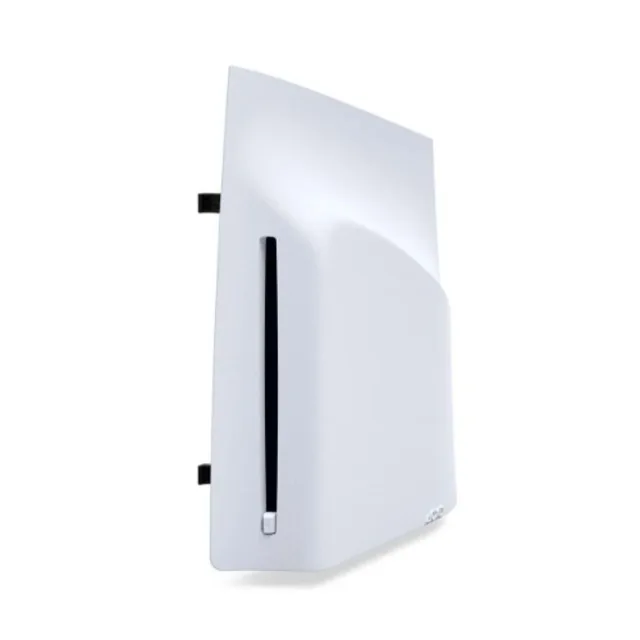
Sony Ps5 Disc Drive For Slim
Digital Edition Consoles
₦268,571.43Full product price · delivery calculated separatelyPay the full product price in one payment.
Product payment illustration over 2 months.
When can delivery begin? On this 2-month plan, delivery eligibility begins at month 1, subject to verification and account standing.
Illustration based on the current product price, rounded up to the nearest naira. Delivery and any selected extras are additional. Paying half early does not bring the delivery date forward. Choose and confirm your final payment schedule in CDcare before paying.Next: Continue to this product in CDcare, sign in or create an account, then confirm your payment option and delivery details.
Your exact payment schedule, delivery fee and eligibility are confirmed in CDcare before you pay.
Why this product
PS5 Disc Drive For Slim Digital Edition Consoles Place your console on a soft cloth spread over a flat surface before attaching your disc drive. Step 1: Go to the control centre and select Power > Turn Off PS5. The screen goes blank, the power indicator flashes white, and then turns off. Step 2: Remove the AC power cord and cables, and then wait for the PS5 console to cool down. The main unit of your console is hot immediately after use. Step 3: Place the console with the bottom facing up and the front side facing you, and then remove the horizontal stand feet (short). Step 4: Slightly lift the circle cover away from the console to detach its clips and remove it. Step 5: Align the disc drive’s clips with the 2 holes (marked with an upside-down triangle), then firmly push in until you hear a “click” Step 6: Attach the circle cover and horizontal stand feet (long) included with your disc drive. Align the cover’s clips with the corresponding holes on the console and push in until you hear a “click”. Step 7: Connect the AC power cord and cables, and then turn on the power. Keep the feet and cover you removed in steps 3 and 4 somewhere safe. They are needed to use the PS5 console without the disc drive attached. Internet connection required to pair disc drive and PS5 console upon set up.
✓PS5 Disc Drive For Slim Digital Edition Consoles
✓Place your console on a soft cloth spread over a flat surface before attaching your disc drive.
✓Step 1: Go to the control centre and select Power > Turn Off PS5. The screen goes blank, the power indicator flashes white, and then turns off.
✓Step 2: Remove the AC power cord and cables, and then wait for the PS5 console to cool down. The main unit of your console is hot immediately after use.
✓Step 3: Place the console with the bottom facing up and the front side facing you, and then remove the horizontal stand feet (short).
✓Step 4: Slightly lift the circle cover away from the console to detach its clips and remove it.
✓Step 5: Align the disc drive’s clips with the 2 holes (marked with an upside-down triangle), then firmly push in until you hear a “click”
✓Step 6: Attach the circle cover and horizontal stand feet (long) included with your disc drive. Align the cover’s clips with the corresponding holes on the console and push in until you hear a “click”.
Properly sourced through a trusted CDcare fulfilment partner.
Warranty information is confirmed before payment.
Delivery eligibility begins after the required plan milestone and verification.
Understand delivery eligibility →Check the return conditions and warranty process before ordering. Keep your order details for any after-sales request.
Return and refund policy → After-sales and warranty policy →Product questions
The current full product price is ₦268,571.43. Delivery fees and any selected extras are additional. Confirm the final total in CDcare before payment.
Properly sourced through a trusted CDcare fulfilment partner. Warranty information is confirmed before payment.
You can Pay Once at the full product price of ₦268,571.43, or Pay Small Small with an available weekly or monthly CDcare plan. The illustration above shows the product portion of the payments; confirm your final schedule in CDcare.
Delivery eligibility begins after the required plan milestone and verification. Your exact delivery requirement, fee and available location are confirmed before payment.
Review the brand, model, images, description, features, warranty and payment summary above before you proceed.
More ownership plans
Accessories
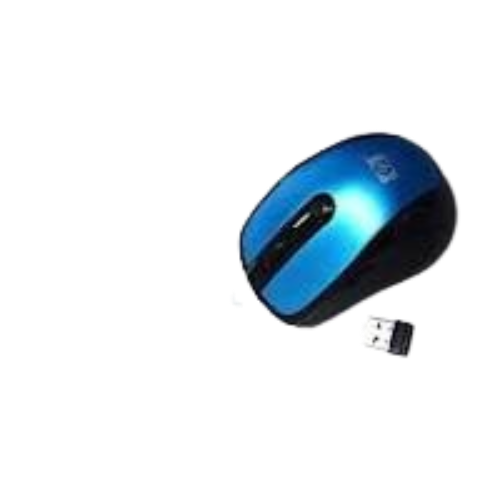
Wireless Optical Mouse
₦3,375Pay weekly or monthly with a CDcare plan.
Open the product to see its exact live plan options.*
Accessories
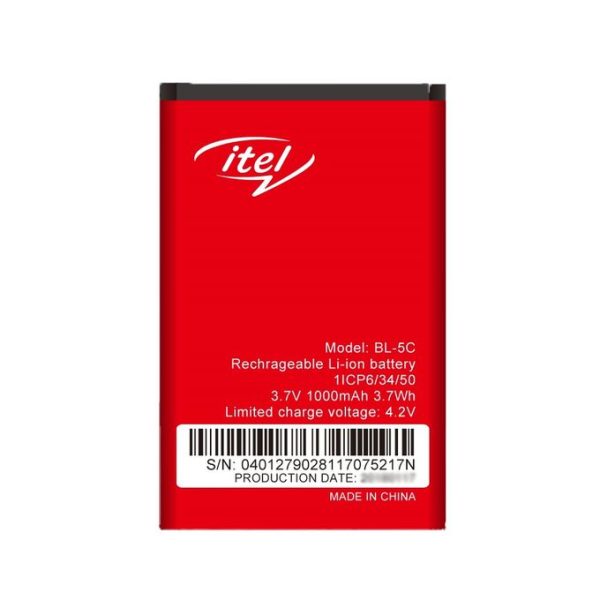
Long Lasting Replacement Battery
₦2,136Pay weekly or monthly with a CDcare plan.
Open the product to see its exact live plan options.*
Accessories
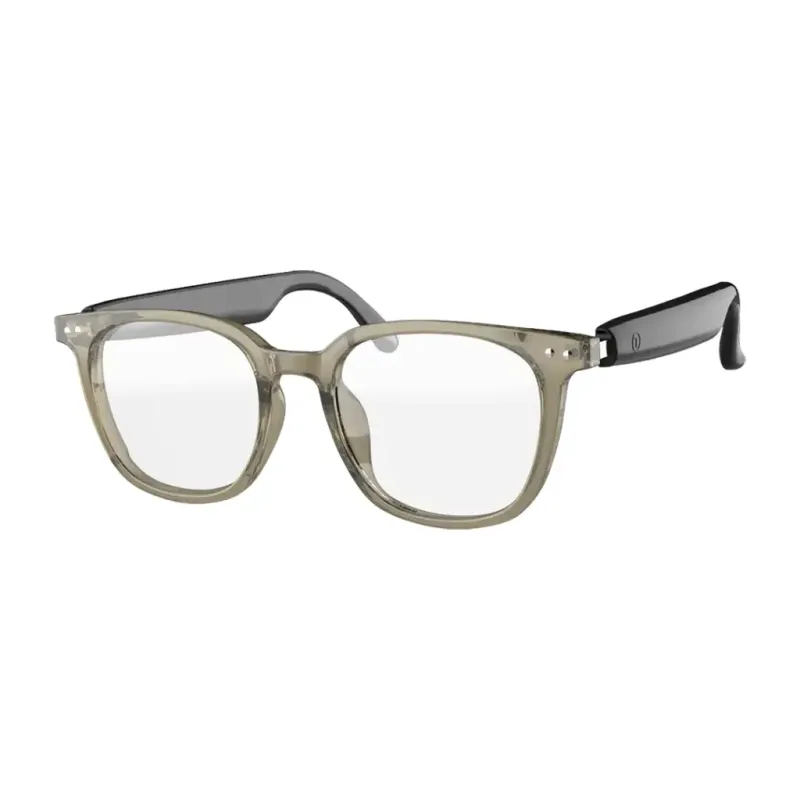
Smart Glasses
₦43,925Pay weekly or monthly with a CDcare plan.
Open the product to see its exact live plan options.*
Accessories
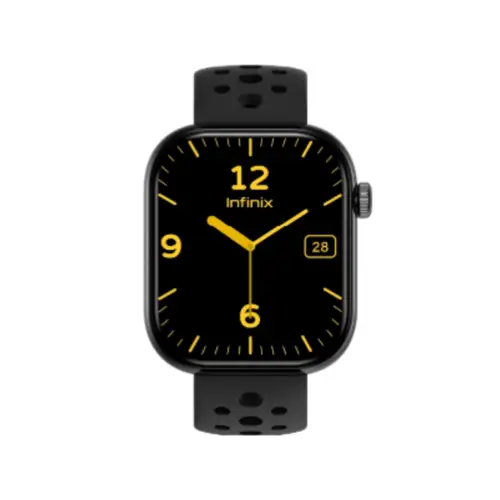
Smart Watch XW4L
₦17,753Pay weekly or monthly with a CDcare plan.
Open the product to see its exact live plan options.*